
Dell R730 vs R730xd: storage vs compute
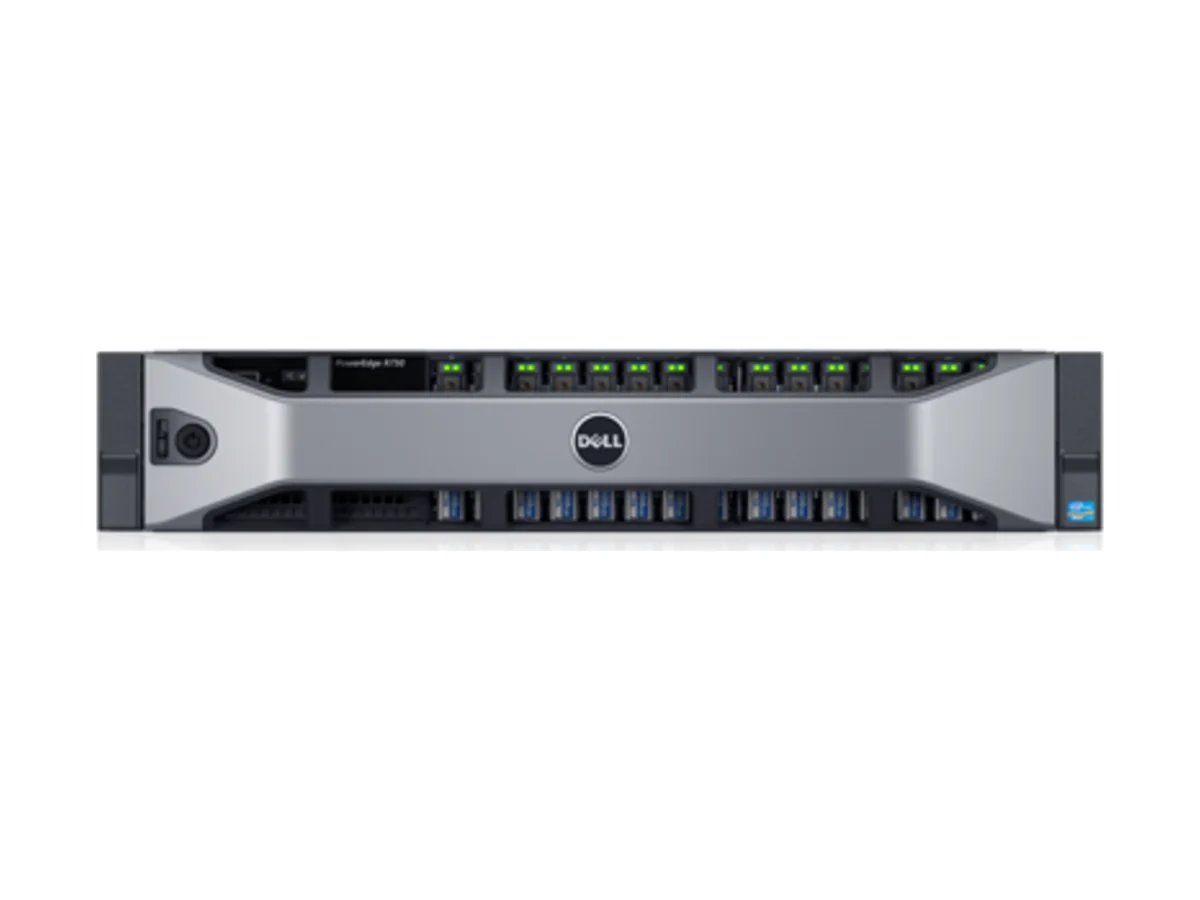 Dell PowerEdge R730
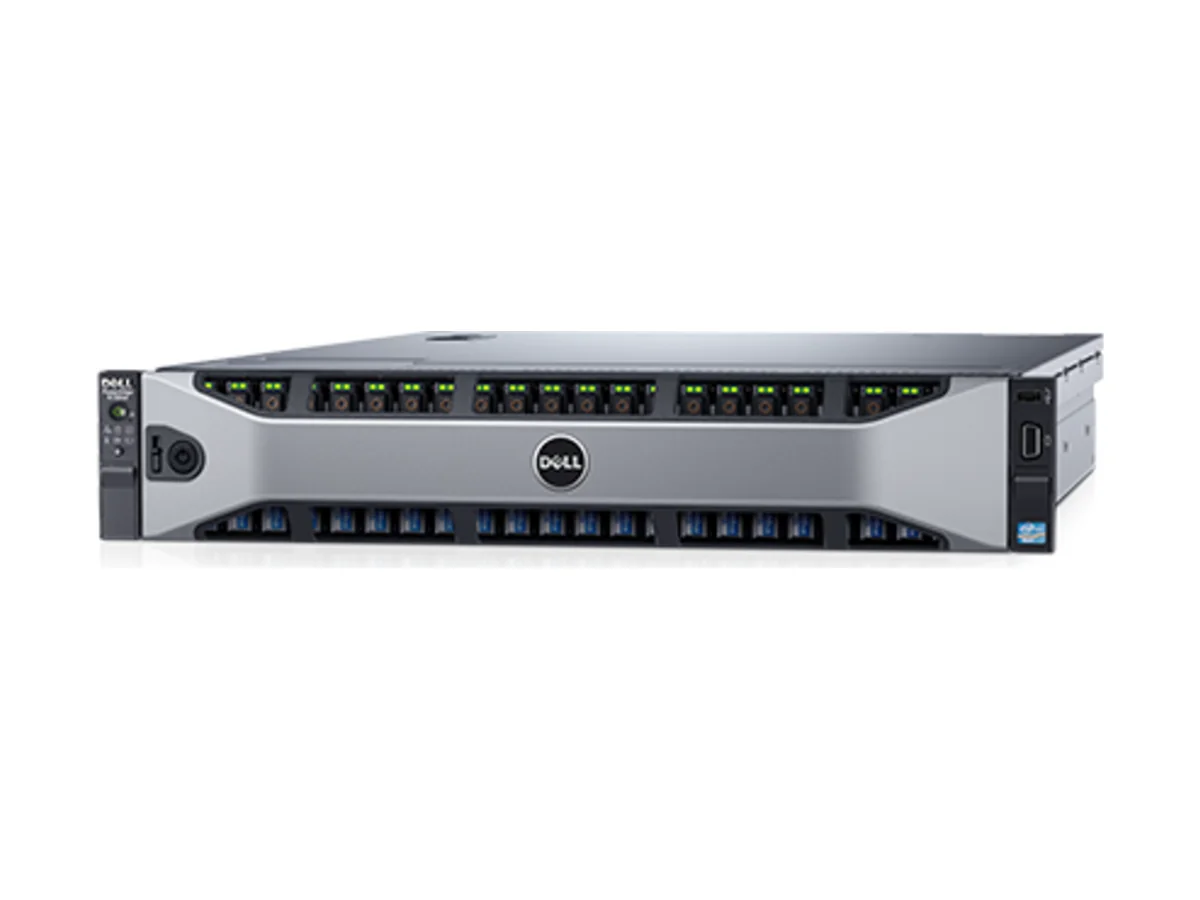 Dell PowerEdge R730xd
The Dell PowerEdge R730 and R730xd look alike and share the same 13th-generation platform: two Intel Xeon E5-2600 v3/v4 processors, the Intel C610 chipset, 24 DDR4 memory slots and iDRAC8 in a 2U rack chassis. The difference is what Dell built each one for. The R730xd trades PCIe and GPU room for more drive bays, while the R730 keeps the extra expansion. This guide helps you choose between storage and compute.
Quick answer
- Choose the R730xd for storage: file and backup servers, video archives, large databases or software-defined storage that needs 12 x 3.5" or 24 x 2.5" drives. It currently starts at RM 1,575.
- Choose the R730 for compute: virtualisation hosts, application servers and anything that needs GPUs or more PCIe cards, with up to 16 x 2.5" drives. It currently starts at RM 1,445.
R730 vs R730xd specifications
| Specification | Dell PowerEdge R730 | Dell PowerEdge R730xd |
|---|---|---|
| Generation | 13th generation (Intel C610 chipset) | 13th generation (Intel C610 chipset) |
| Processors | Up to 2 x Intel Xeon E5-2600 v3/v4 | Up to 2 x Intel Xeon E5-2600 v3/v4 |
| CPUs we offer | 18 CPU options, 8 to 22 cores | 18 CPU options, 8 to 22 cores |
| Memory | 24 DDR4 DIMM slots | 24 DDR4 DIMM slots |
| Memory we offer | 8GB to 64GB ECC DIMMs | 8GB to 64GB ECC DIMMs |
| Drive bays (Dell) | Up to 16 x 2.5" or 8 x 3.5" | Up to 24 x 2.5" or 12 x 3.5" front bays, with optional rear 2.5" bays |
| Chassis we offer |
|
|
| PCIe slots | Up to 7 x PCIe 3.0 + dedicated PERC slot | Up to 6 x PCIe 3.0 + dedicated PERC slot |
| Internal GPUs | Up to two 300W or four 150W | Not supported |
| RAID / HBA we offer |
|
|
| iDRAC licence |
|
|
| From price (live) | RM 1,445 | RM 1,575 |
Rows marked ● are read live from our configurator, so options and From prices are always current. Other rows are from Dell's published specifications (sources below); the configurator lists the parts we can actually supply.
What is the same
Processors, memory and management are identical. Both servers take up to two Intel Xeon E5-2600 v3 or v4 processors, and our configurator offers the same list of CPUs for both, from 8 to 22 cores. Both have 24 DDR4 DIMM slots with the same memory options, from 8GB to 64GB DIMMs. Both use iDRAC8 with Lifecycle Controller, with the Express licence included in our builds and Enterprise as an upgrade. Both have hot-swap redundant power supplies and a network daughter card for built-in networking, and both use the same PERC RAID controllers: the HBA330, H330, H730 with 1GB cache and H730P with 2GB cache.
That means a workload will run the same on either server, as long as it fits the drives and expansion cards. The choice comes down to bays and slots.
Drive bays: the main difference
Dell builds the R730 with up to 16 x 2.5" or 8 x 3.5" front bays. The R730xd has up to 24 x 2.5" or 12 x 3.5" front bays, and Dell's technical guide lists optional rear 2.5" bays as well, so it can hold far more storage in the same 2U of rack space.
In our configurator the R730 comes in 8 x 2.5" or 16 x 2.5" chassis, and the R730xd in 12 x 3.5" or 24 x 2.5" chassis. The 12 x 3.5" R730xd is the natural pick for large-capacity hard drives, for example a backup repository, CCTV archive or file server. The 24 x 2.5" R730xd suits many SSDs or 2.5" SAS drives for a busy database or a virtualisation host with local storage.
Dell notes that on both models the backplane is chosen when the server is built and cannot be changed later, so choose 2.5" or 3.5" bays before you order.
Expansion and GPUs: why the R730 still matters
The extra drive cages in the R730xd take up room inside the chassis. Dell lists up to 7 PCIe 3.0 slots plus a dedicated PERC slot on the R730, against up to 6 PCIe 3.0 slots plus a dedicated PERC slot on the R730xd. Dell also supports up to two 300W or four 150W internal GPUs in the R730, while internal GPUs are not supported in the R730xd. Dell's software RAID option, the PERC S130, is listed for the R730 only.
If you plan to add GPUs for rendering, AI inference or virtual desktops, or need several network or HBA cards, the R730 is the better base.
RAID or HBA?
With many drives, the controller choice matters. A PERC H730 or H730P gives you hardware RAID with a cache, which suits Windows Server, VMware ESXi and databases that rely on the controller to protect data. The HBA330 passes the drives straight through to the operating system, which is what software-defined storage such as ZFS, TrueNAS or Ceph expects. Both are available on both servers in our configurator.
Price
The Dell PowerEdge R730 currently starts at RM 1,445 and the Dell PowerEdge R730xd at RM 1,575: a RM 130 difference for the base build. The real cost difference usually comes from the drives, so price your full drive set in each configurator before you decide.
Which one should you buy?
If storage capacity is the goal, buy the R730xd: twelve 3.5" bays give you the most capacity per rack unit on this platform, and twenty-four 2.5" bays give you the most drives for performance. If compute and expansion are the goal, buy the R730, which keeps the extra PCIe slot and internal GPU support.
Want a newer platform? The Dell PowerEdge R740xd is the 14th-generation storage server, and our Dell R730 vs R740 guide explains what the newer generation adds. For a tower with lots of bays, compare the Dell T630 vs T640.
Configure the R730 Configure the R730xd
Buying from ServerStore Malaysia
Every server in this guide is refurbished and in stock, and is configured to your order and tested before it ships. Each one comes with a 1 Year Return To Base Warranty and has a 7-14 working day lead time after payment confirmation. We deliver across Malaysia by GDEX, or you can collect free from our office in Cheras, Selangor. Not sure which build fits? Ask our engineers about your workload, or price your own build in our server configurator Malaysia.
Sources
- Dell PowerEdge R730 and R730xd Technical Guide
- Dell EMC PowerEdge R740/R740xd Technical Guide (comparison with R730/R730xd)
- Dell PowerEdge R730 spec sheet
- ServerStore Malaysia configurator data for each model (options and From prices, read live)